 Liveface
Use case
An AI receptionist with a face, on your website
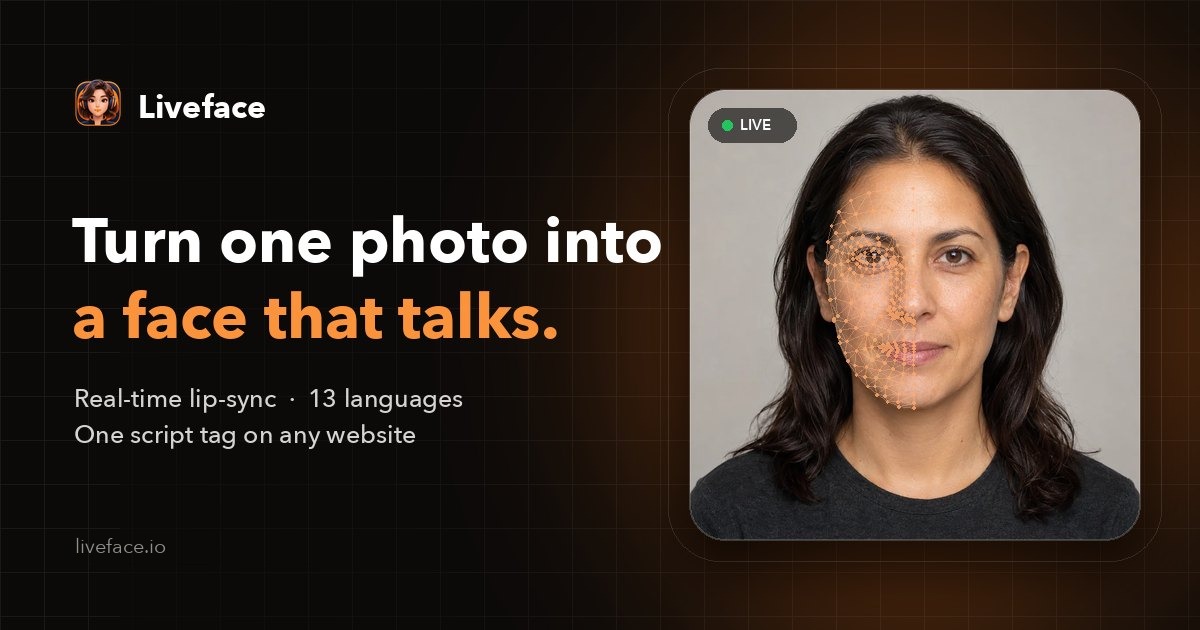
A receptionist greets people, answers the common questions and points them to the right place. Liveface gives your website one: a talking avatar made from a photo of you or your team, speaking the answers your chatbot or help desk provides.
Request free access Book a demo call
What it does for visitors
- Greets every visitor, day and night, in their language.
- Answers common questions out loud: opening hours, prices, how to book.
- Reads help articles and walks people through a form.
- Hands over to a human when your chatbot says so.
How it is built
Liveface is the face and the voice; your existing chatbot, language model or help-desk tool is the brain. Each answer goes to Liveface.speak() (or Liveface.stream() while it is written), and the avatar says it with matching lip-sync. With Liveface.listen(), visitors can speak their question in browsers that support it.
Because the avatar is animated live in the browser, there is no video to render for each answer and no waiting.
const question = await Liveface.listen();
const answer = await myChatbot.ask(question);
await Liveface.speak(answer);
Your face, your rules
- Made from a photo you choose. Publishing a person's face requires confirming it is you or that you have their permission.
- Embed keys are tied to your domains, with usage limits.
- Edits stay in a draft until you publish them.
Talking avatar for your website → Step-by-step setup guide →
Questions
Does Liveface answer questions by itself?
No. Liveface gives your answers a face and a voice. Connect it to the chatbot or language model you already use, or write the answers in your own code.
Can it speak more than one language?
Yes: English, Spanish, French, Italian, Portuguese, German, Dutch, Polish, Russian, Turkish, Arabic, Persian and Hindi. Choose the voice per avatar, or per site with data-voice and data-locale.
What does it cost?
Liveface is in beta and free to try: an organization can make two avatars with the built-in voices. Access is approved by hand, usually within 48 hours.
Make your own talking avatar
Upload a photo, choose a voice and hear it speak. Free during the beta.
Updated 2026-10-27