 Liveface
Use case
A talking avatar for your website, from one photo
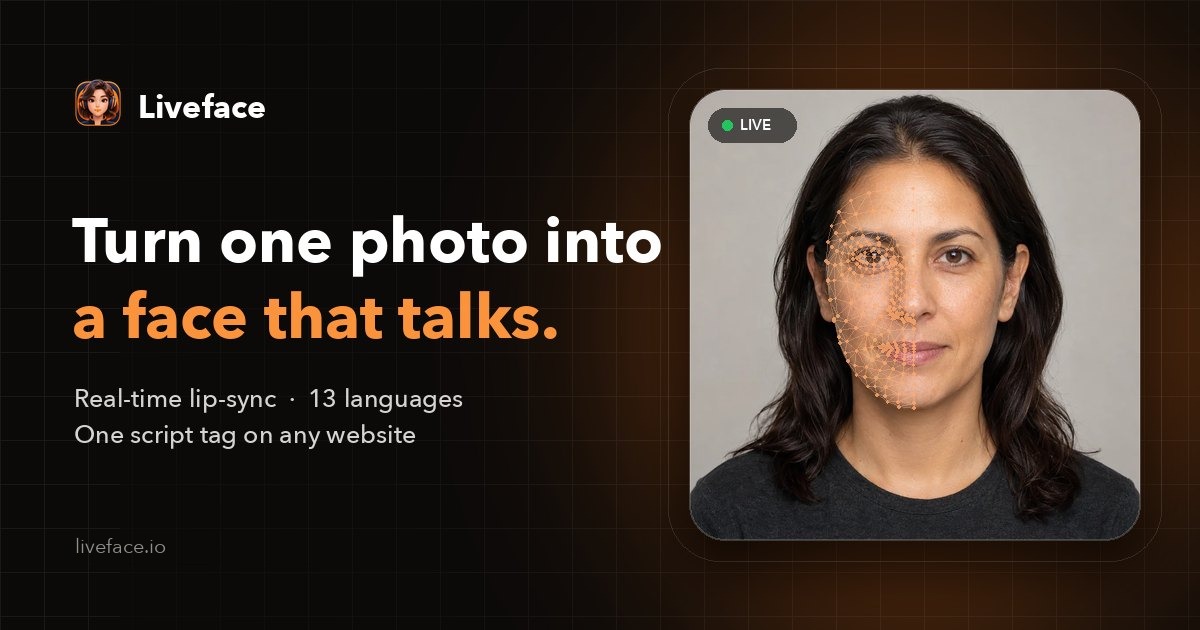
Liveface turns a single portrait into a face that speaks on your website in real time. Upload a photo, choose a voice, paste one script tag, and your site greets, guides and answers visitors out loud.
Request free access Book a demo call
Why a face on your website
A page that speaks to visitors holds their attention longer than a page they have to read. A talking avatar can welcome people, explain a product in plain words, read a help article aloud, or give a chatbot's answers a voice and a face.
Most avatar tools render videos: each sentence is a new video to make and wait for. Liveface is different: the avatar is animated live in the visitor's browser, so it can say anything your site tells it, the moment it needs to.
What you get
- An avatar from one photo: a photograph, an illustration, anime or a 3D render. 478 facial landmarks are fitted automatically.
- Lip-sync from pronunciation, not volume: text becomes phonemes, and each of 15 mouth shapes is timed against the audio.
- A face that stays alive: blinking, breathing, small head movements and moods (happy, surprised, thinking, serious).
- Natural voices in 13 languages: English, Spanish, French, Italian, Portuguese, German, Dutch, Polish, Russian, Turkish, Arabic, Persian and Hindi.
- A photographic mouth: teeth and lips fitted to the face and lit to match it.
- One script tag to embed, and a JavaScript call to make it speak: Liveface.speak("Hello!").
How it works
- Upload a portrait. Liveface finds the face and fits a mesh of 478 points.
- Pick a voice in any of 13 languages, hear it speak, and fine-tune the mouth.
- Publish, paste the script tag into your site, and call Liveface.speak() from a chat reply, a button or a page load.
<script
  src="https://liveface.io/api/liveface.js"
  data-avatar="YOUR_AVATAR_ID"
  data-key="YOUR_API_KEY"
  data-api="https://liveface.io/api"
></script>
Where it fits
- Home pages: a greeting that introduces your business in the visitor's language.
- Product pages: a short spoken walkthrough, at any hour.
- Support: a face for your chatbot, reading answers aloud with matching lip-sync.
- Courses: a tutor who explains the lesson out loud.
AI receptionist for your website → Talking tutor avatar → Multilingual talking avatar →
Questions
Do I need to record a video?
No. One photo is enough. Liveface animates the photo itself: no filming, no studio and no 3D modelling.
Does it work with my chatbot?
Yes. Liveface is the face and the voice. Send your chatbot's or language model's replies to Liveface.speak() and the avatar says them with lip-sync. Liveface.stream() speaks an answer while it is still being written.
Will it slow my site down?
The widget loads from one script tag and draws the avatar in the visitor's browser. Nothing is rendered on a server while it talks except the speech itself.
How much does it cost?
Liveface is in beta and free to try: an organization can make two avatars with the built-in voices. Access is approved by hand, usually within 48 hours.
Make your own talking avatar
Upload a photo, choose a voice and hear it speak. Free during the beta.
Updated 2026-10-27