 Liveface
Use case
A talking tutor for your courses and training
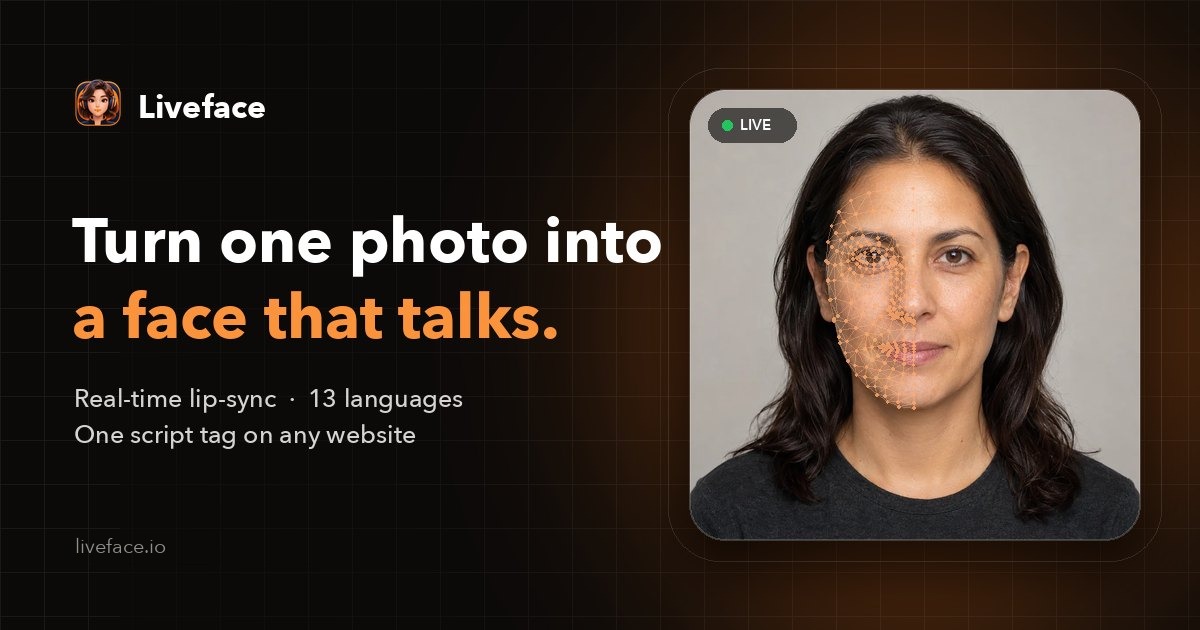
Some people learn better by listening. Liveface turns a teacher's photo, or an illustrated character, into a tutor who explains your material out loud, right inside your course pages.
Request free access Book a demo call
Uses in education and training
- Explain each lesson or slide in a few spoken sentences.
- Read instructions and questions aloud, for younger learners or accessibility.
- Onboard new employees with a friendly guide through policies and tools.
- Teach languages with a native-sounding voice and visible mouth shapes.
Why a live avatar instead of recorded videos
Recorded lesson videos must be filmed or rendered again whenever the material changes. A live avatar says whatever text the page gives it, so updating a lesson means editing text. It also pairs naturally with an AI tutor: send the model's explanation to Liveface.speak().
Any style of face
Photographs, illustrations, anime and 3D renders all work, so the tutor can be a real teacher or a character made for the course. Moods such as happy or thinking can be set from the text with tags like [happy].
Questions
Can it work inside an LMS?
If your learning platform lets you add an HTML or script block to a page, the avatar can be embedded there with the same script tag.
Is it free to try?
Liveface is in beta and free to try: an organization can make two avatars with the built-in voices. Access is approved by hand, usually within 48 hours.
Make your own talking avatar
Upload a photo, choose a voice and hear it speak. Free during the beta.
Updated 2026-10-27